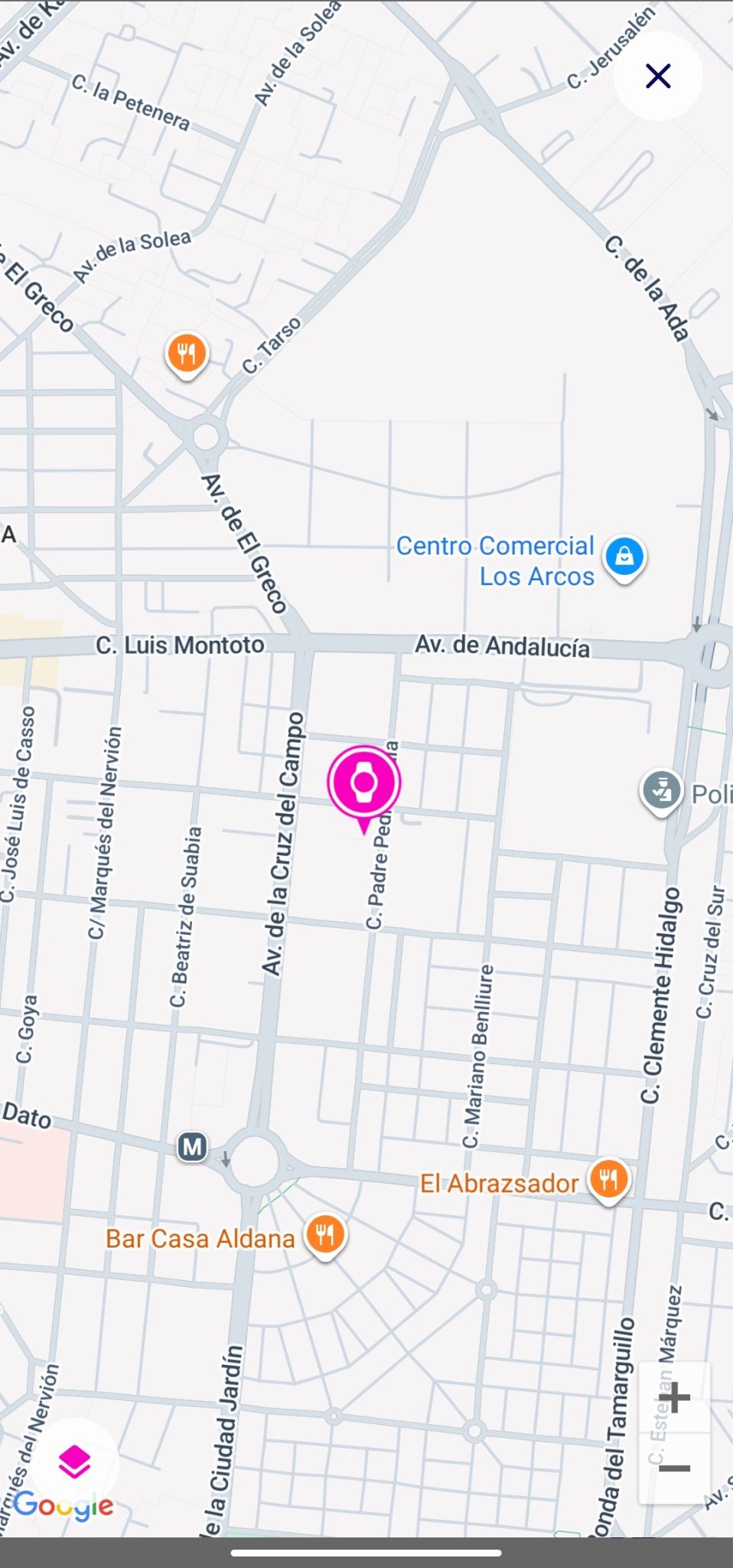
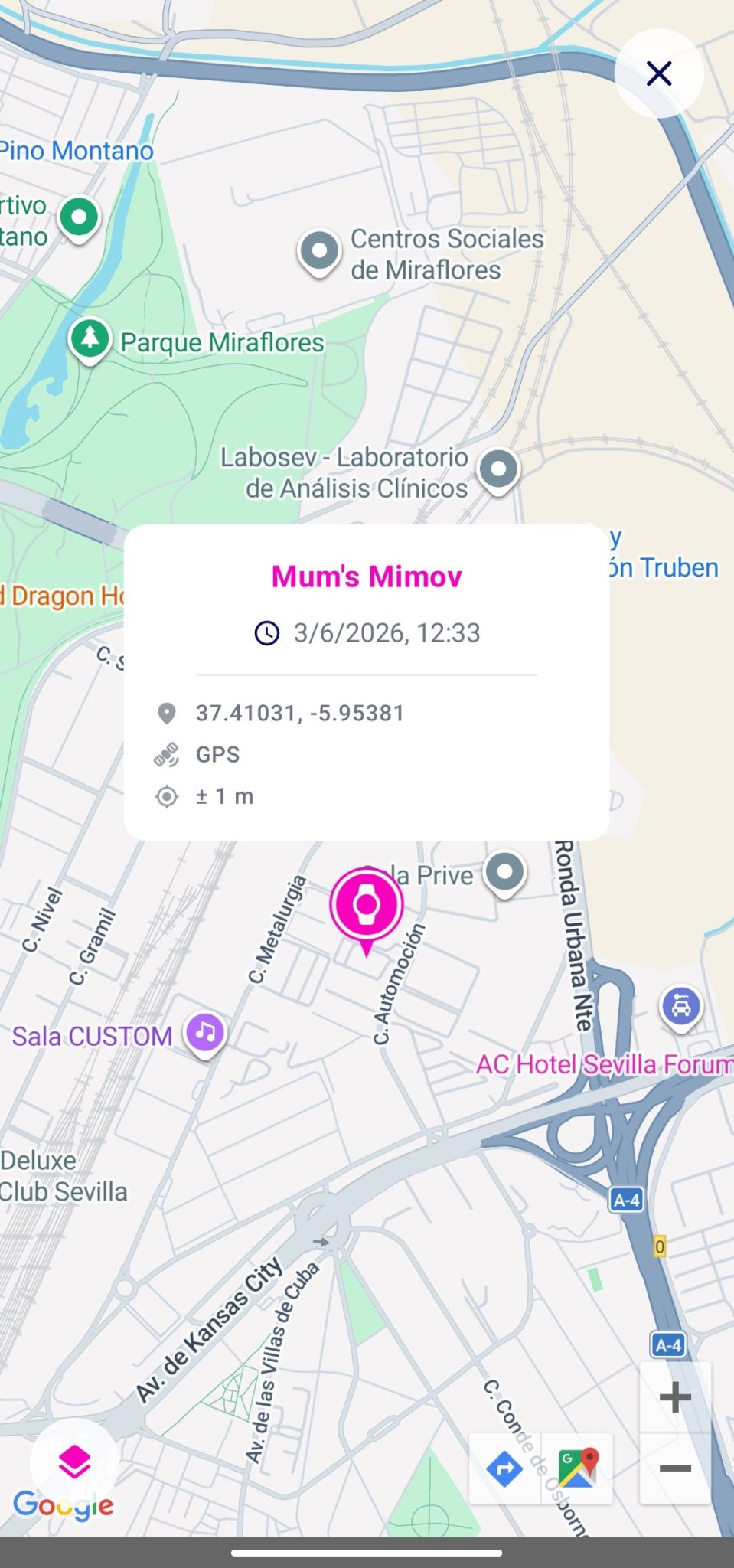
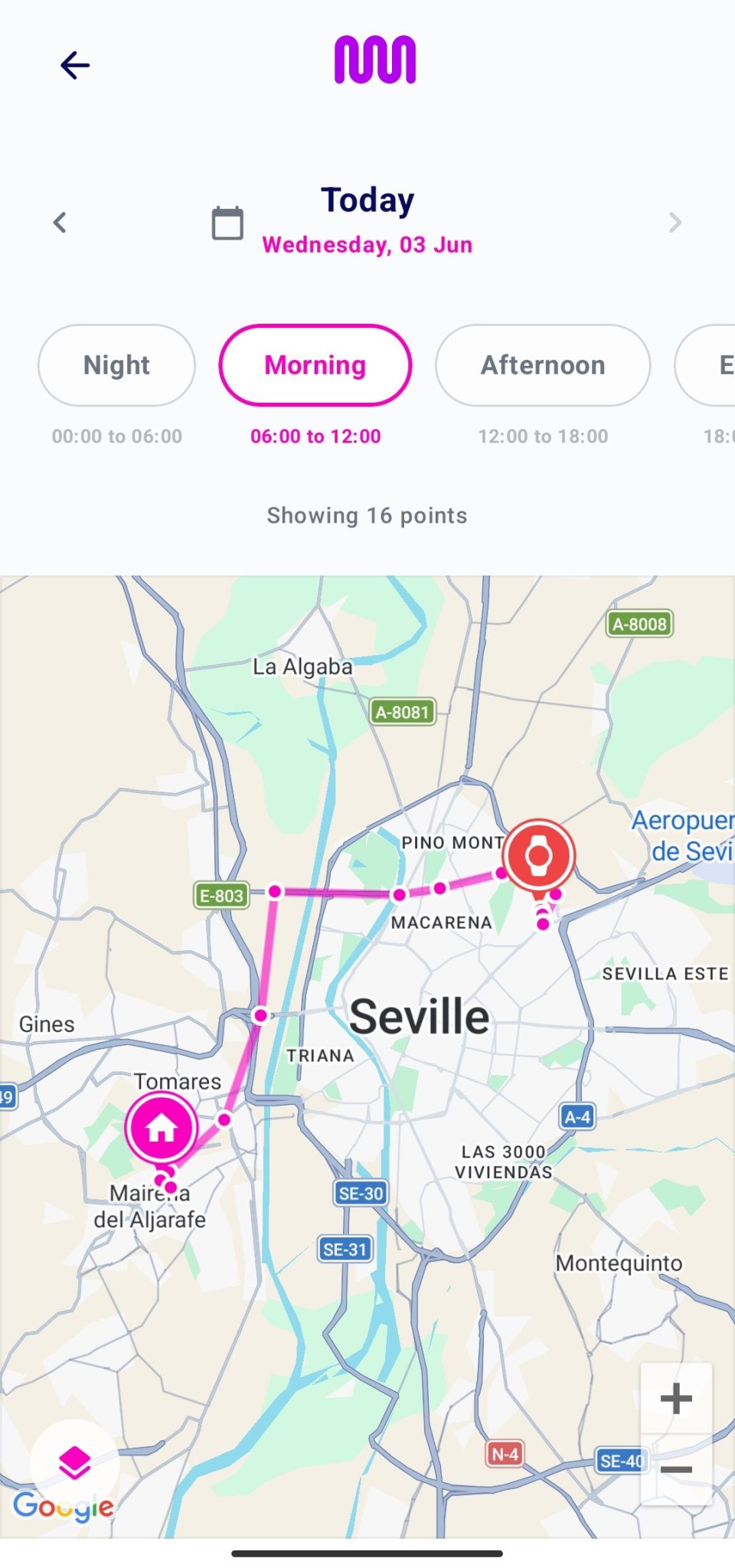
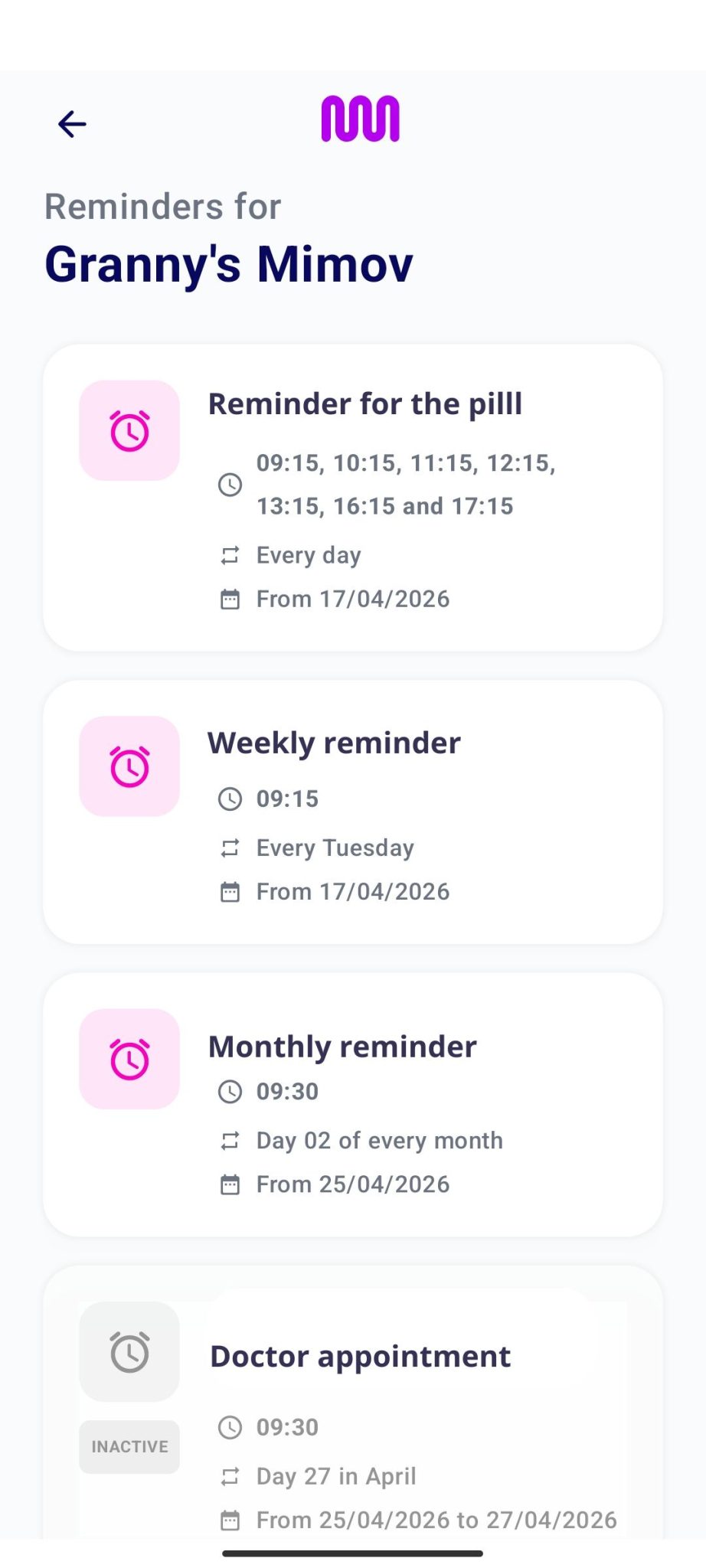
MIMOV is a mobile app that allows you to conveniently and easily monitor and manage your family members’ devices. With this app, you can check a number of details: device location, review routes, view reminders and real-time status information.
The app is available for Android and iOS devices.
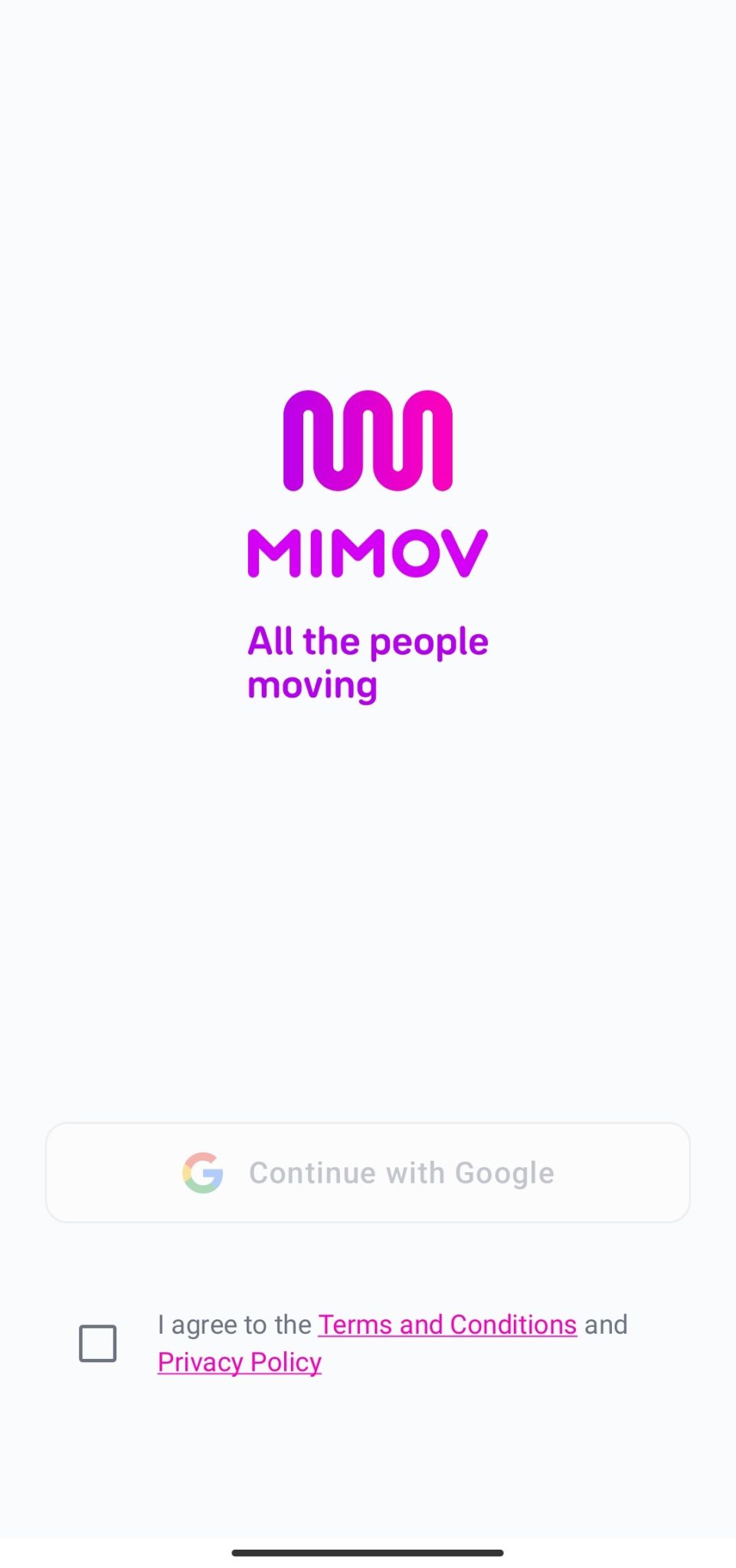
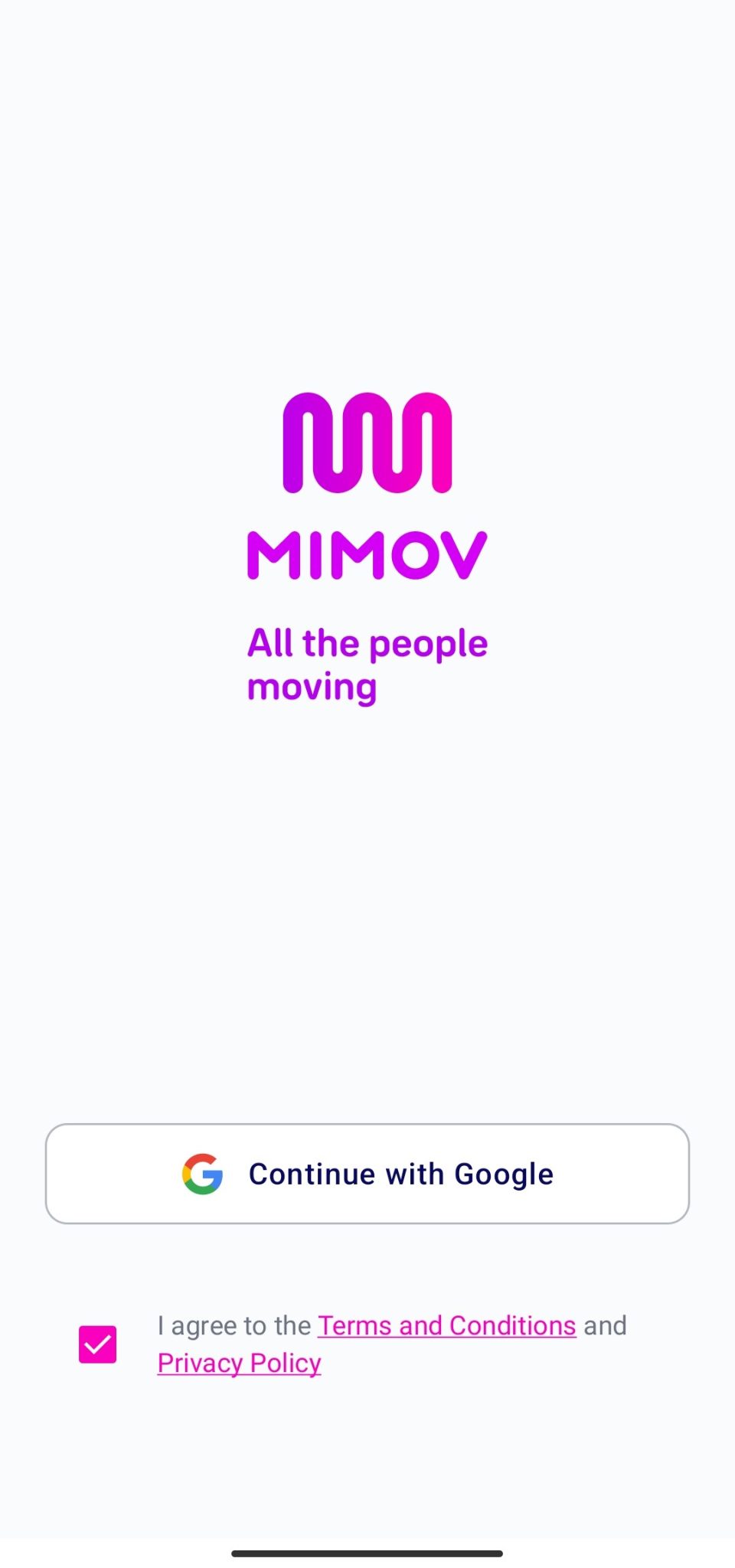
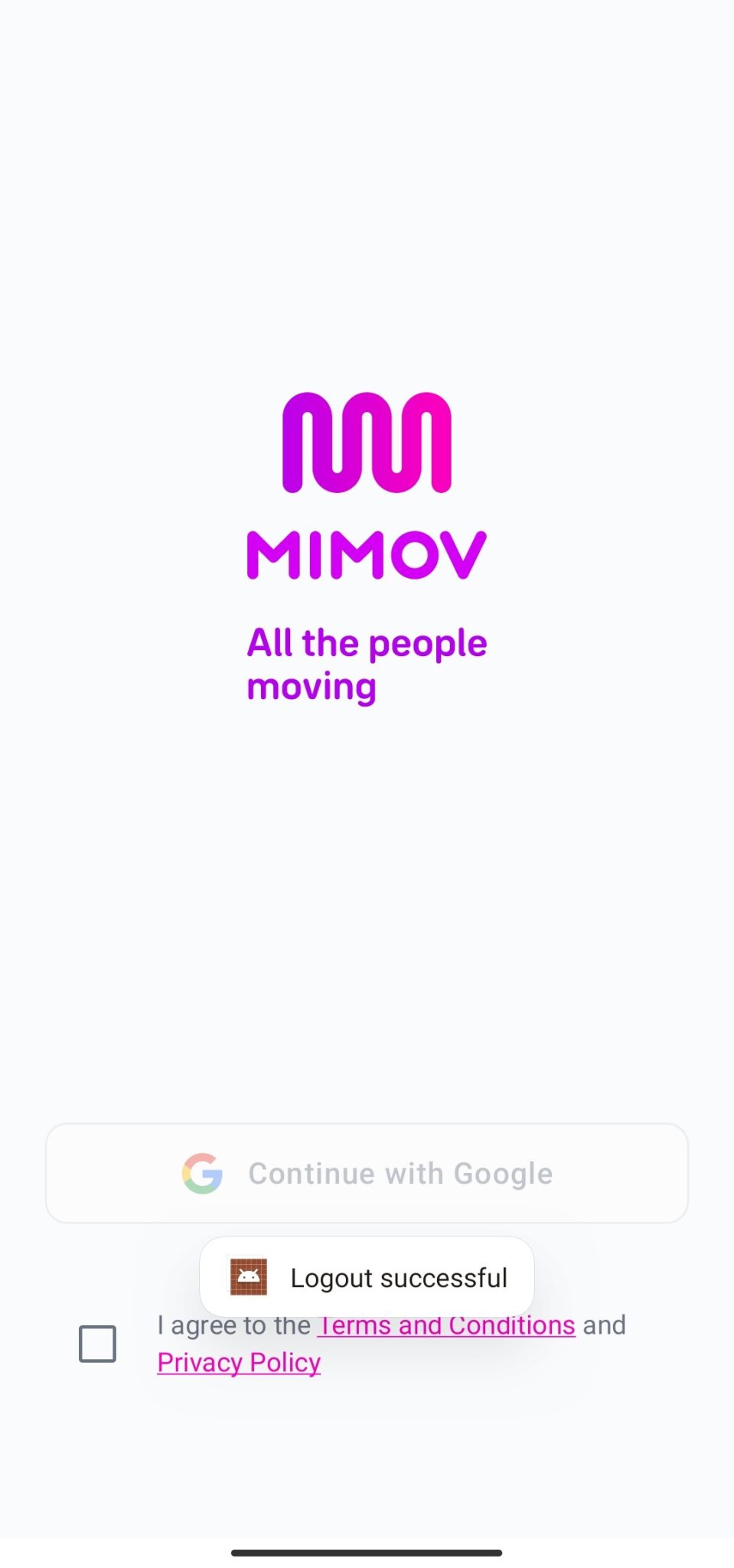
To access the app, you will need to accept the Terms and Conditions and the Privacy Policy. You can view the content of both documents by clicking on the links highlighted in pink.
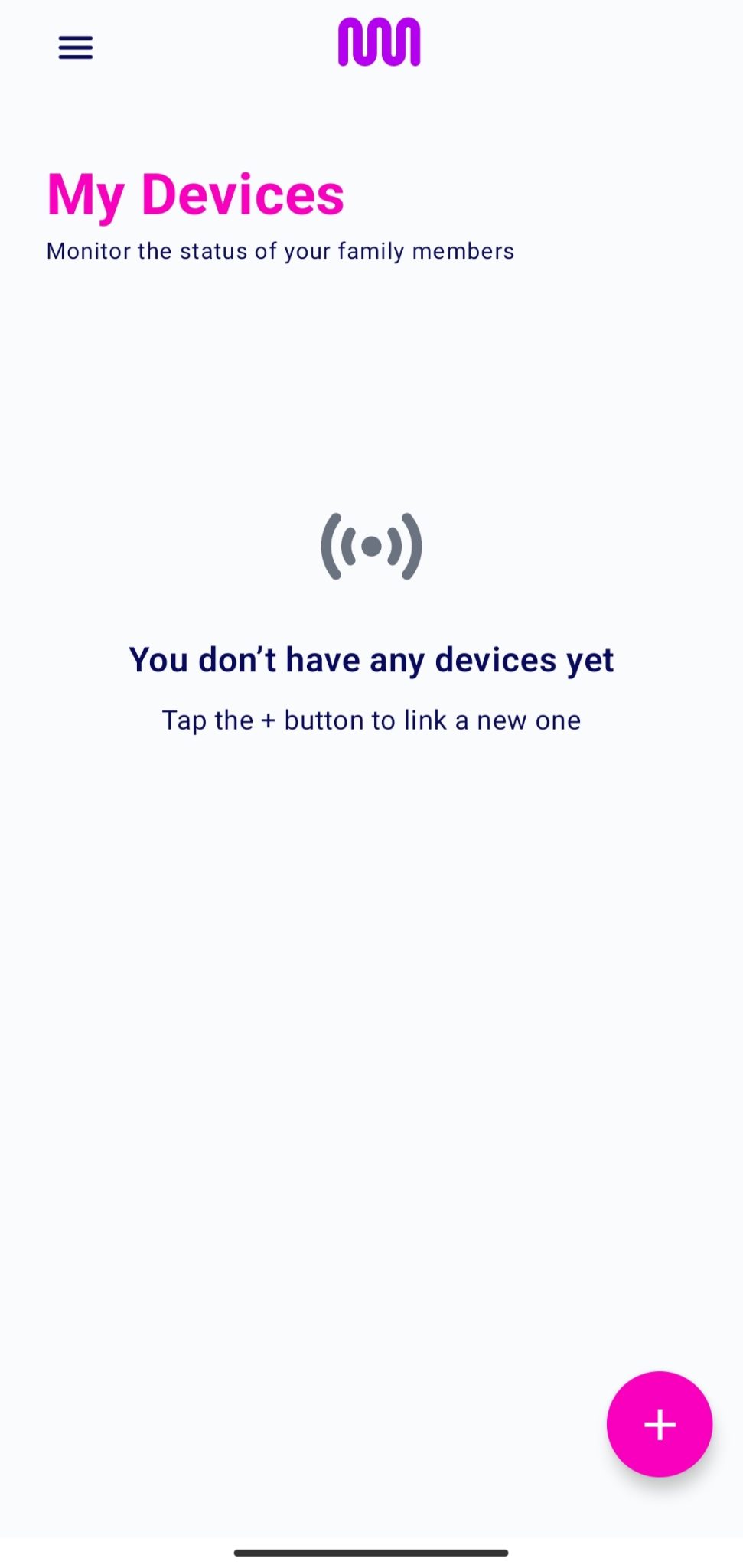
Once you have logged in successfully, you need to access to the app’s home screen.
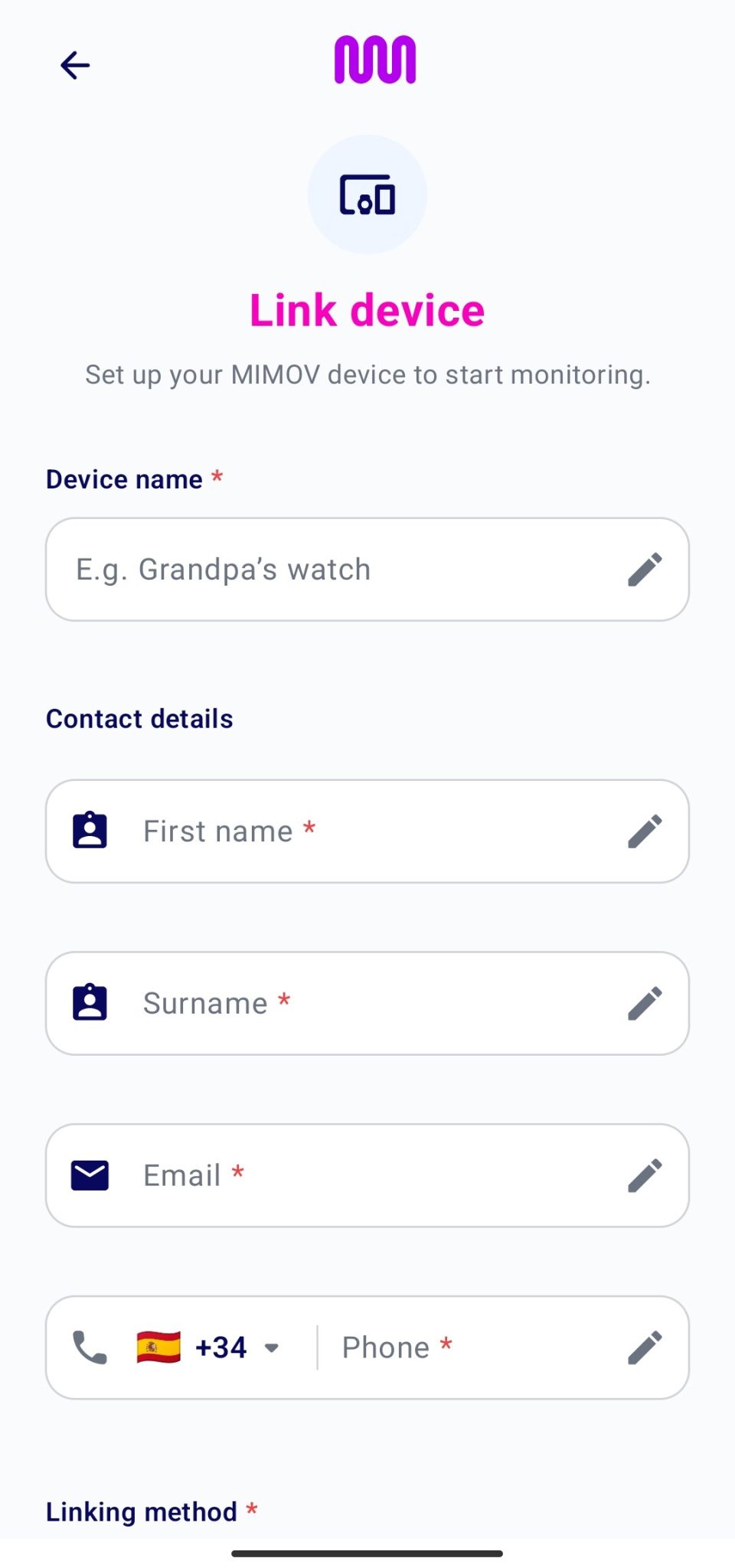
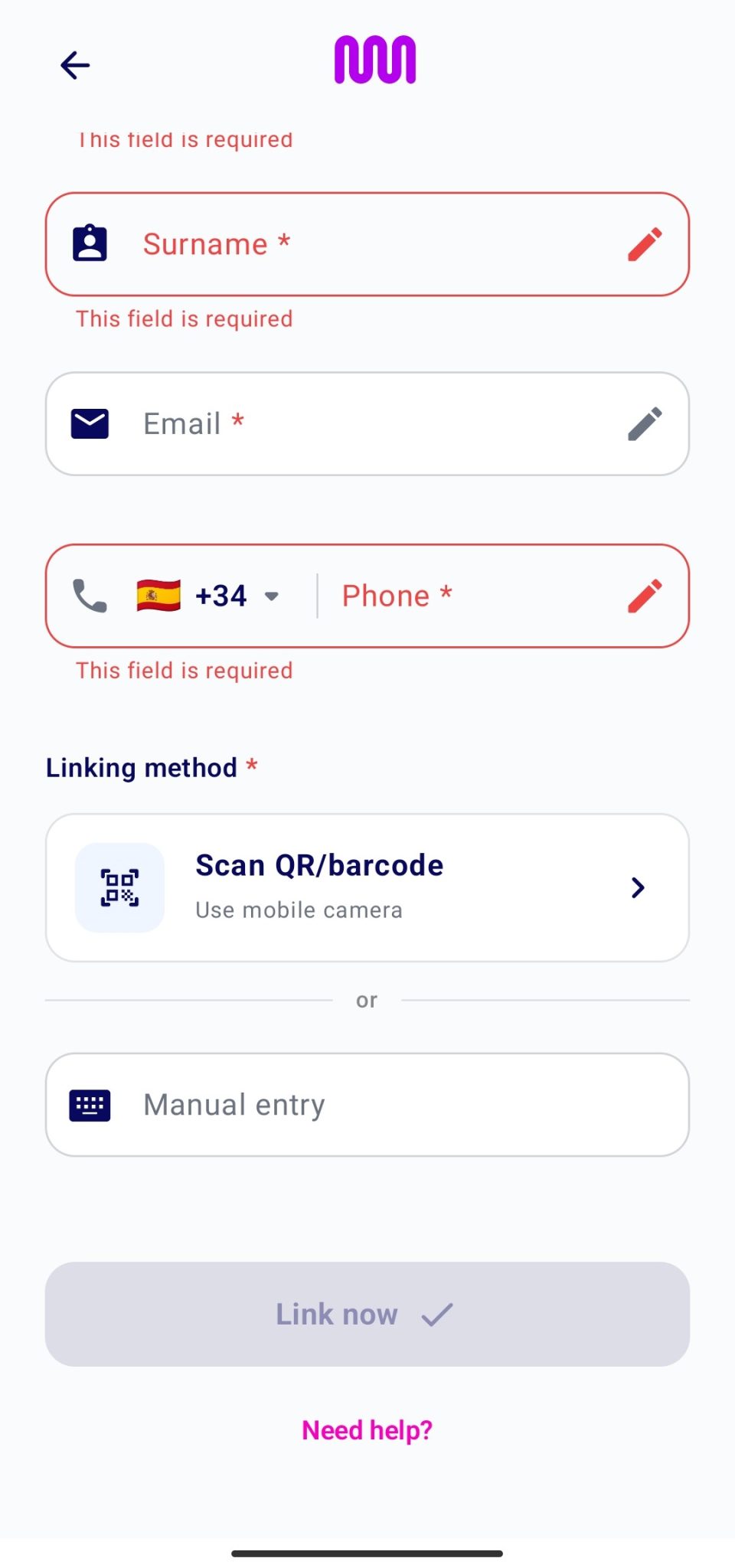
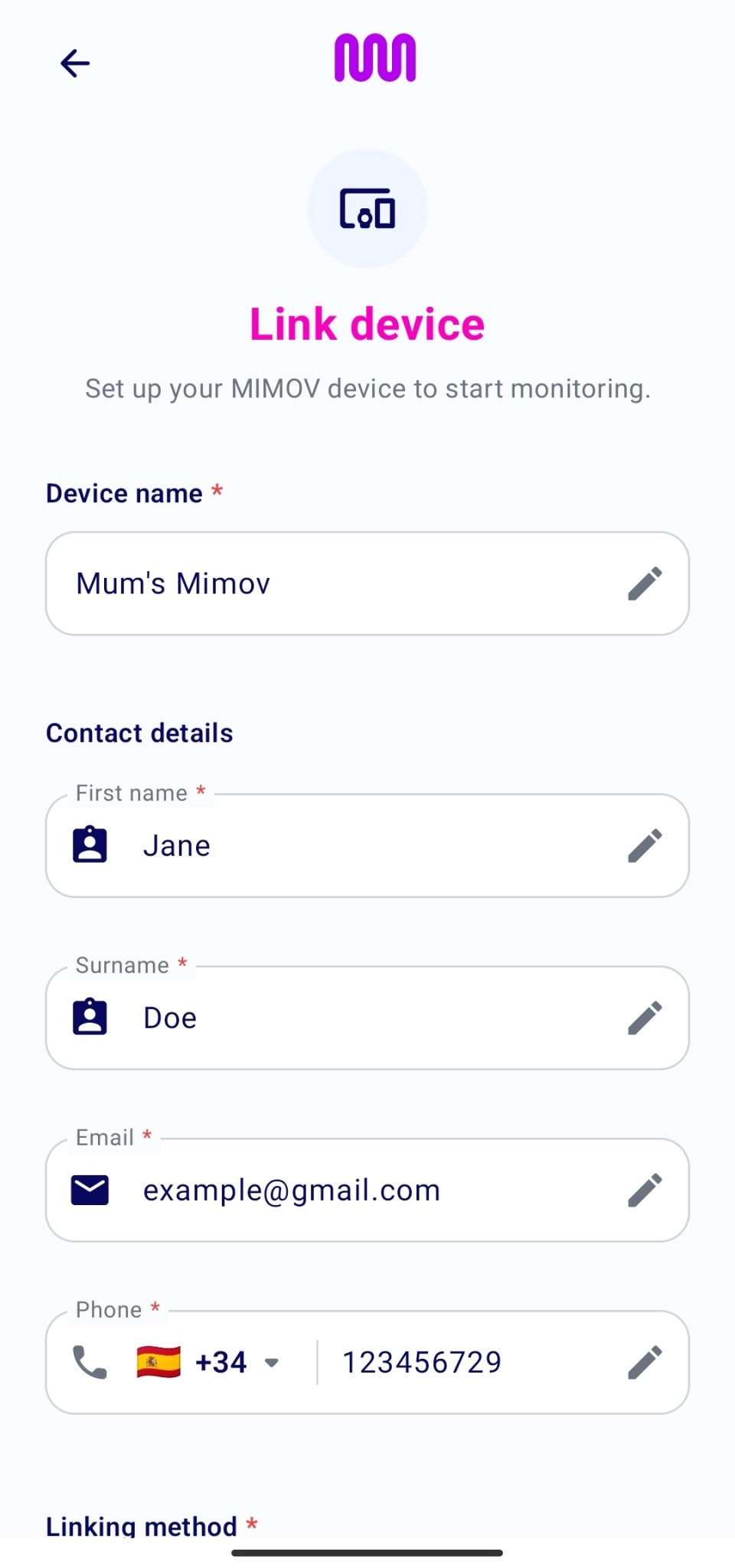
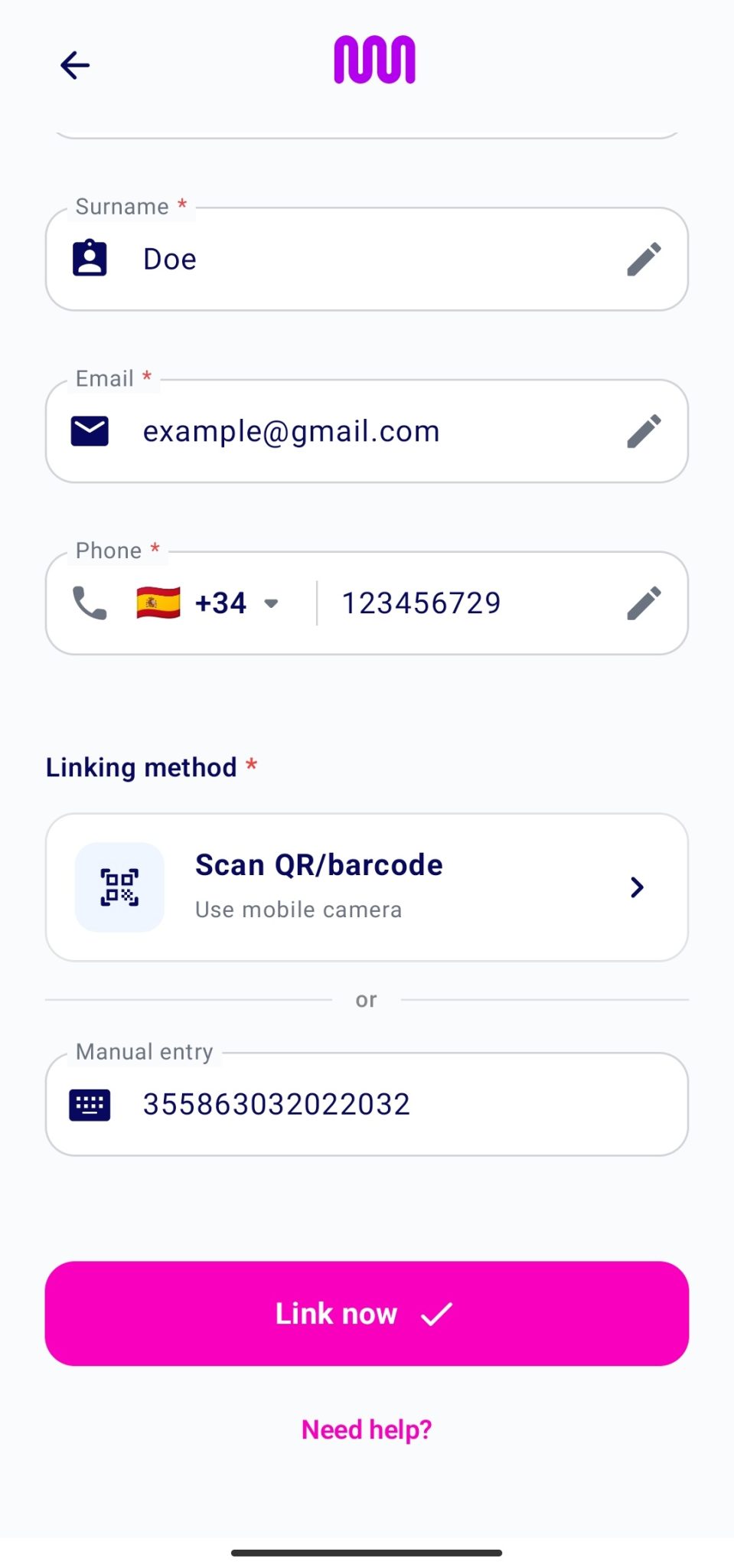
IMEI (International Mobile Equipment Identity) is a unique 15-digit code that uniquely identifies a device.
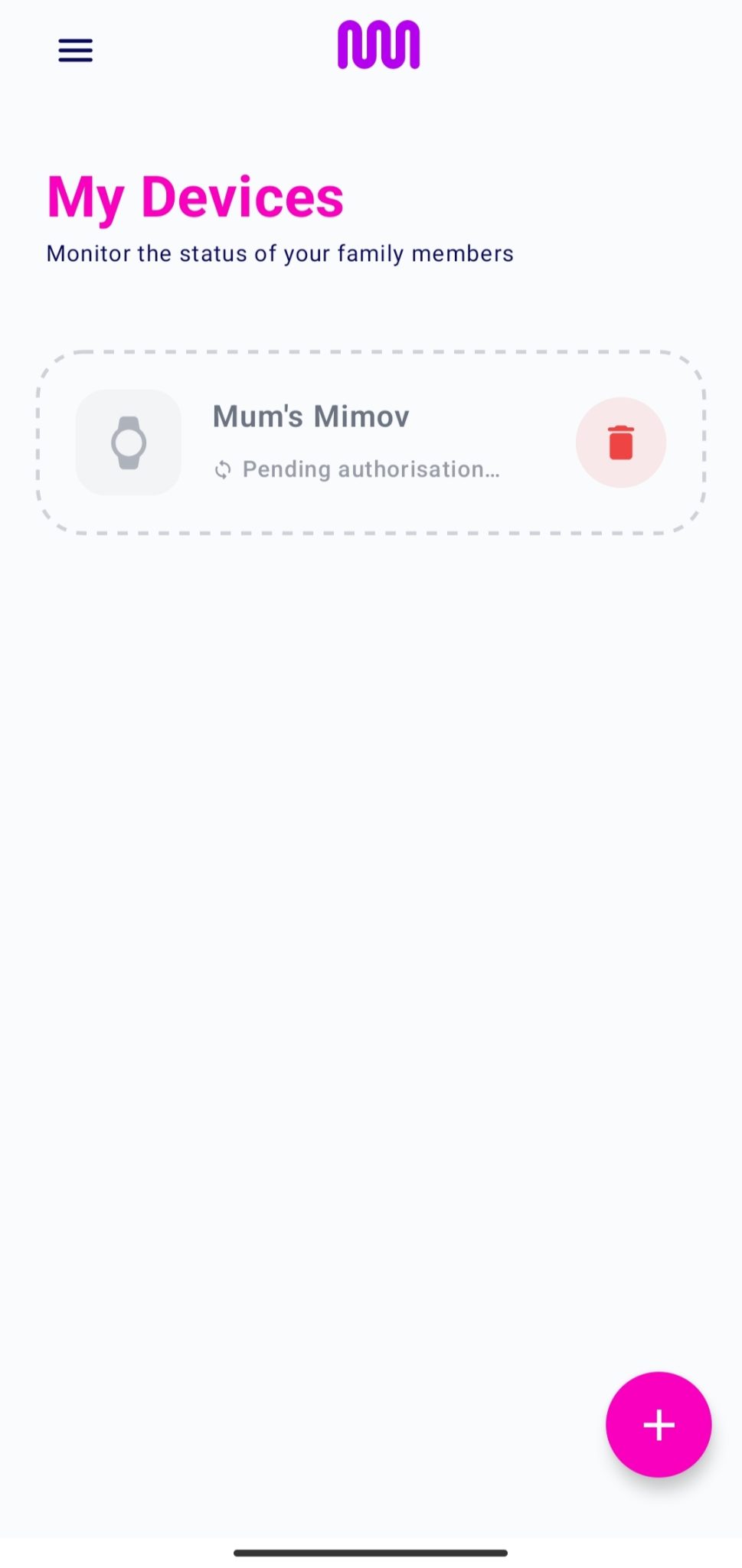
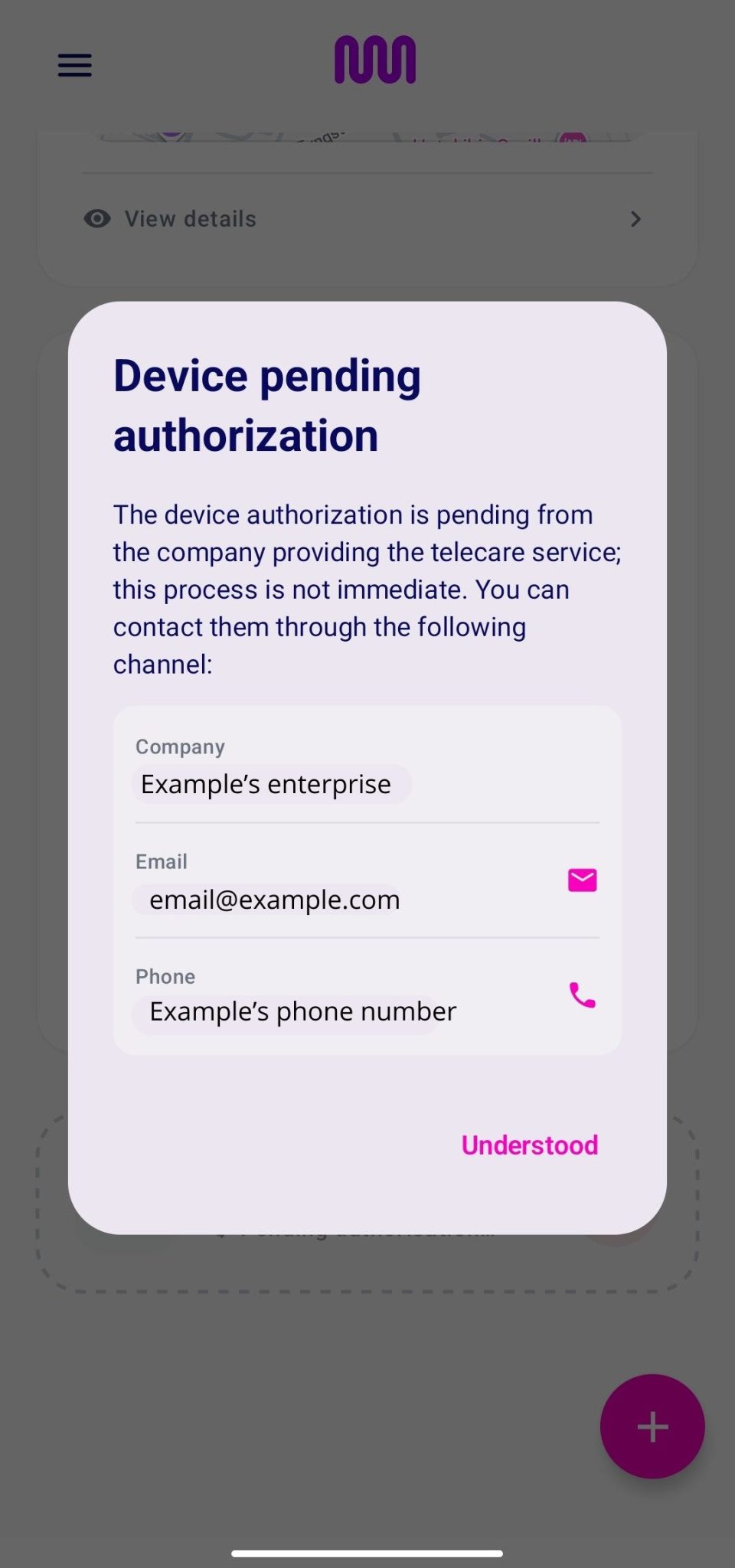
Once a device has been requested for pairing, it will be displayed as “Pending Pairing”.
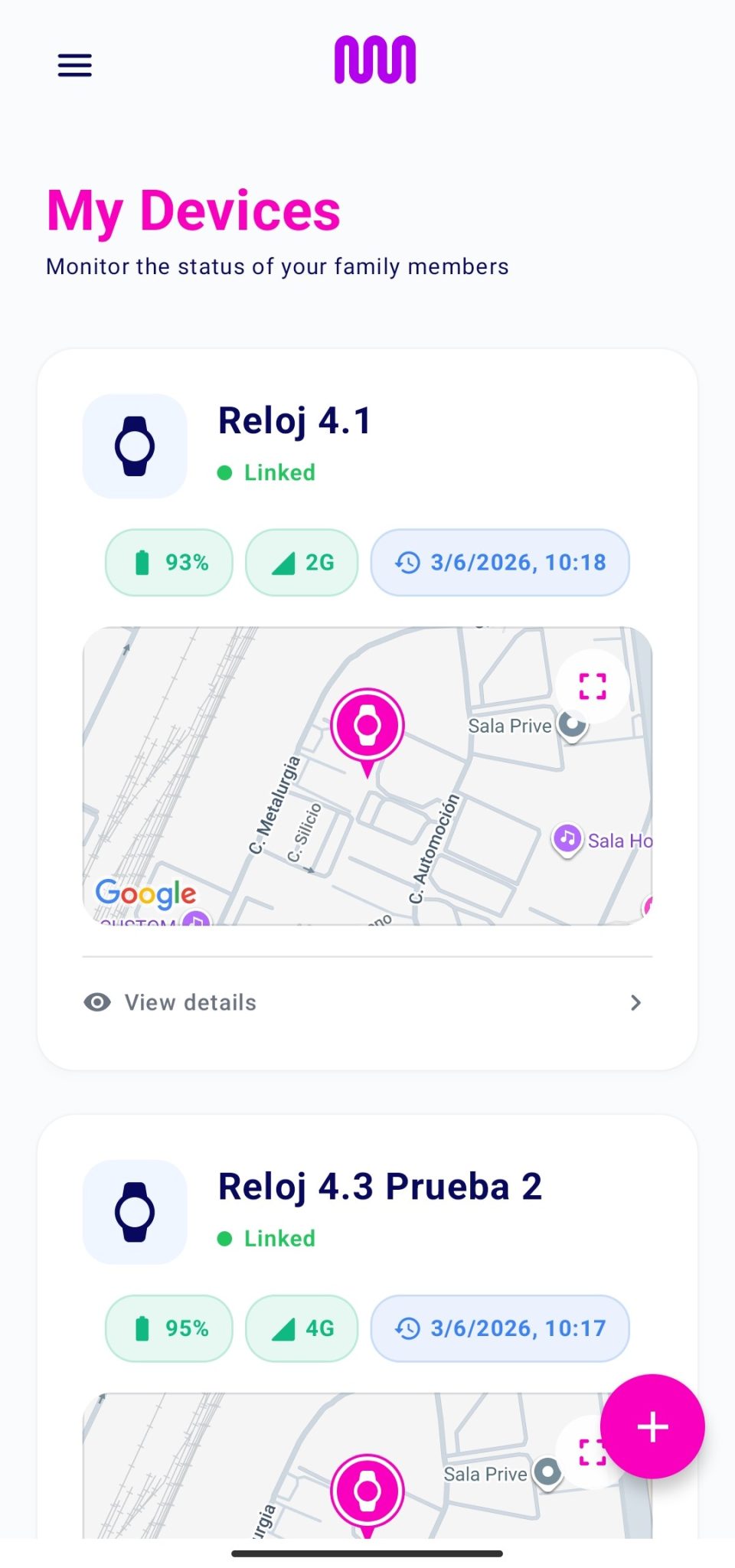
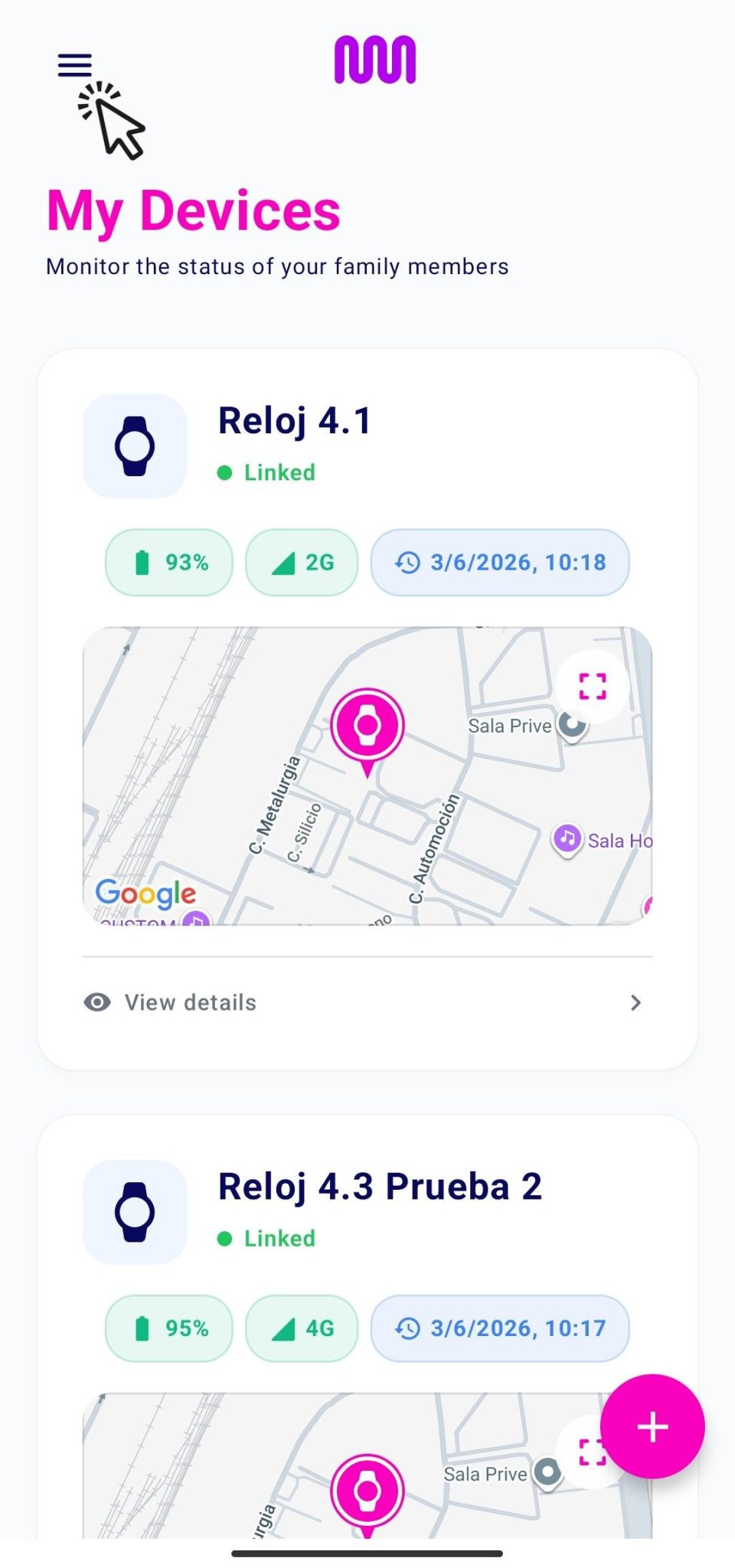
Once the pairing request has been accepted, the device will be displayed on the home screen.
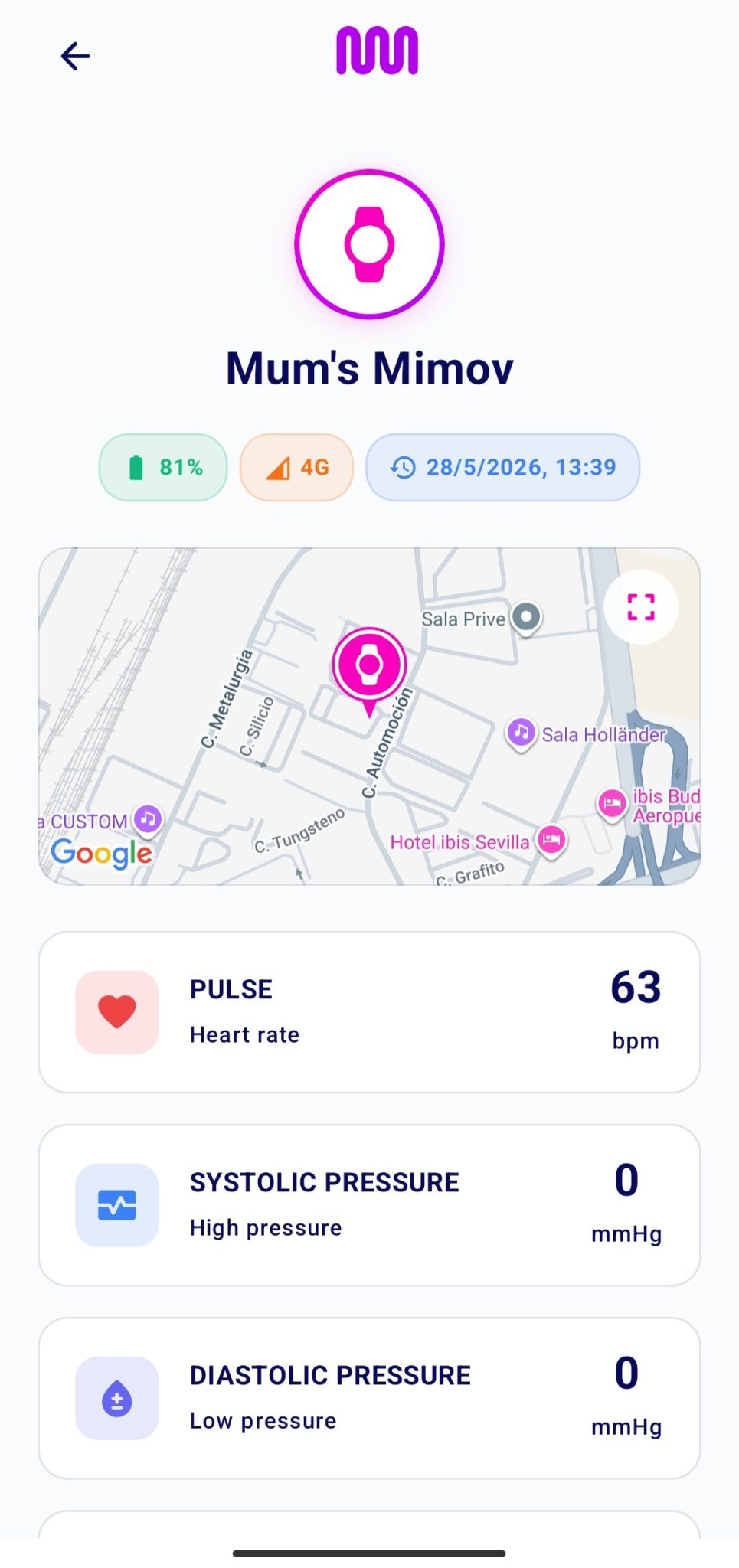
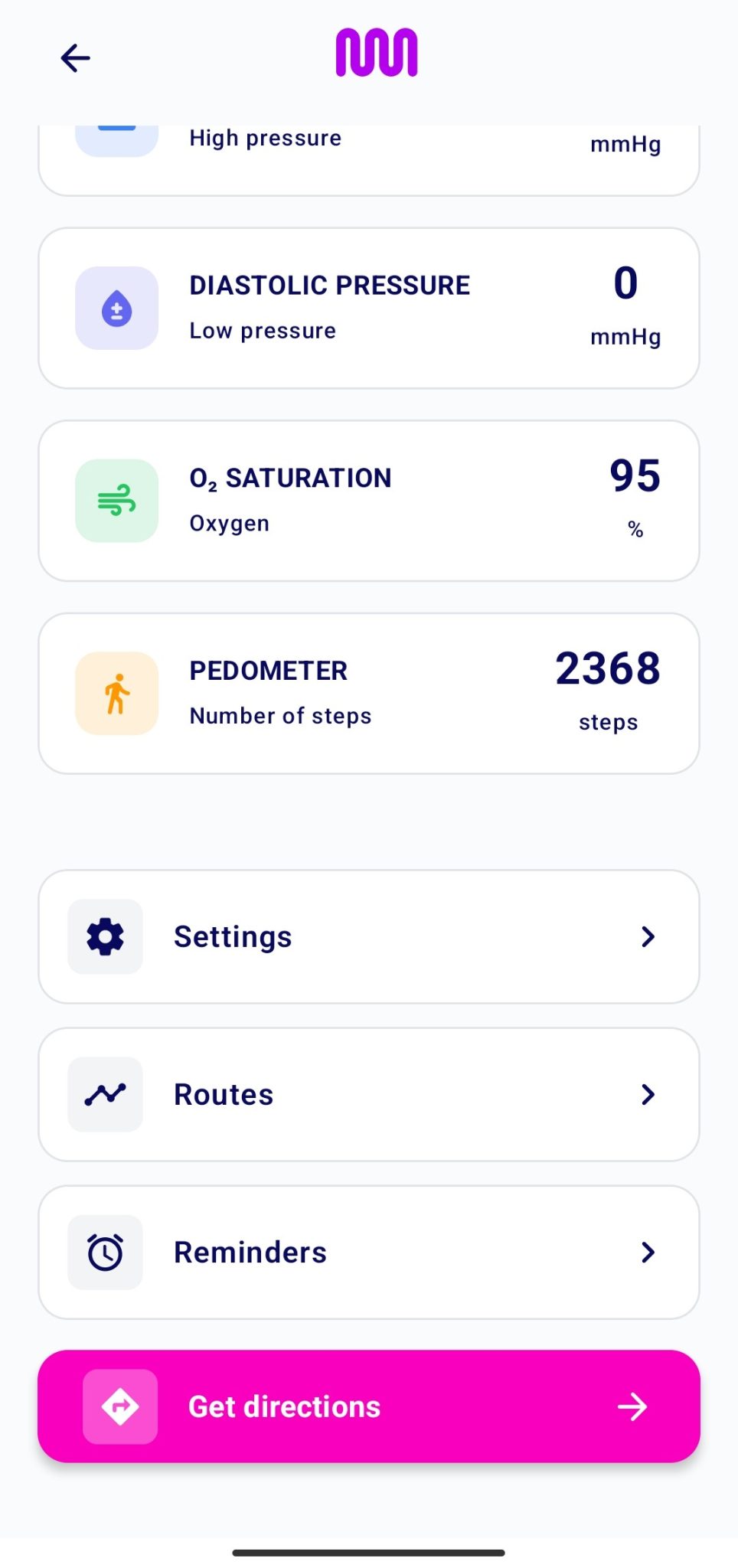
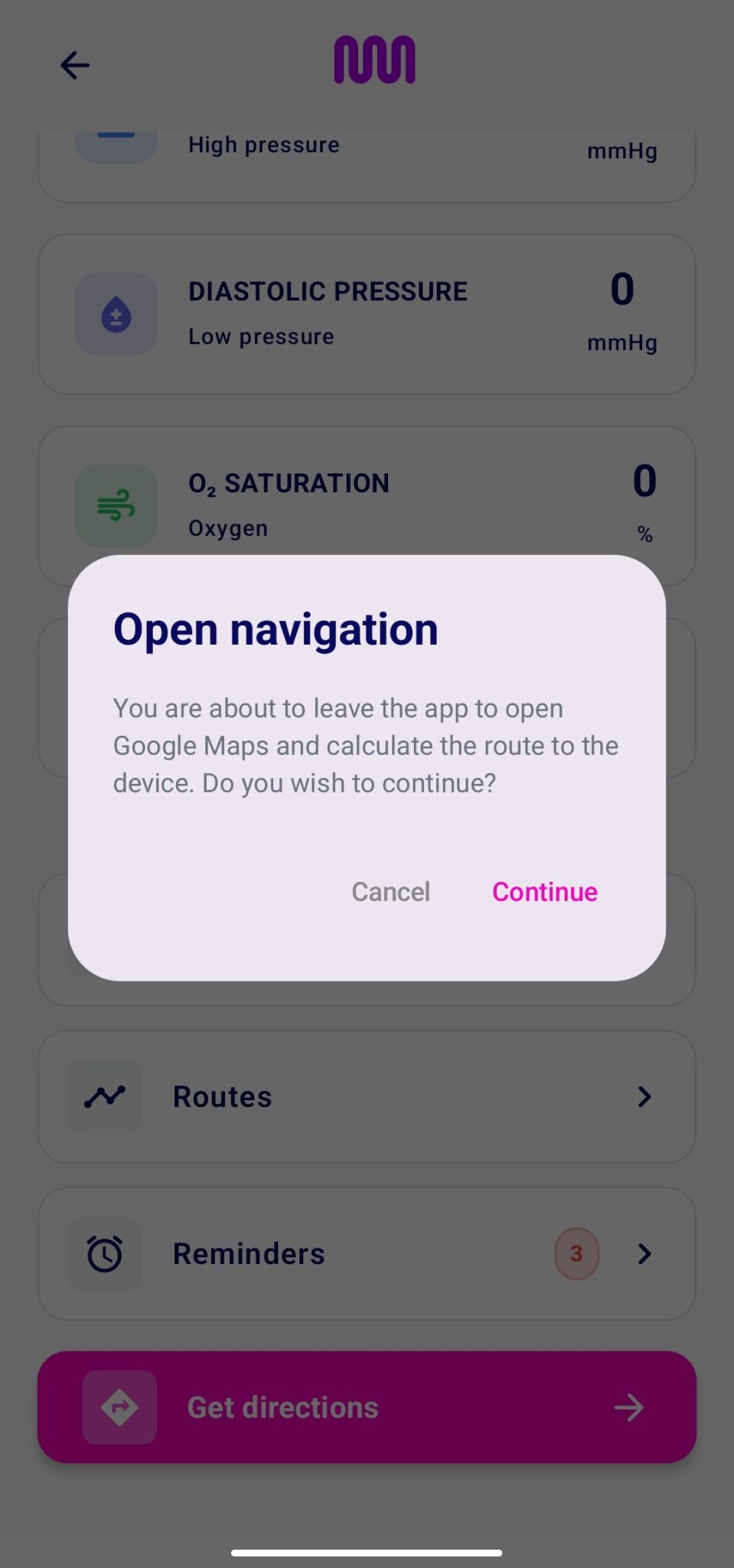
Tap on any of your linked devices to view detailed information.
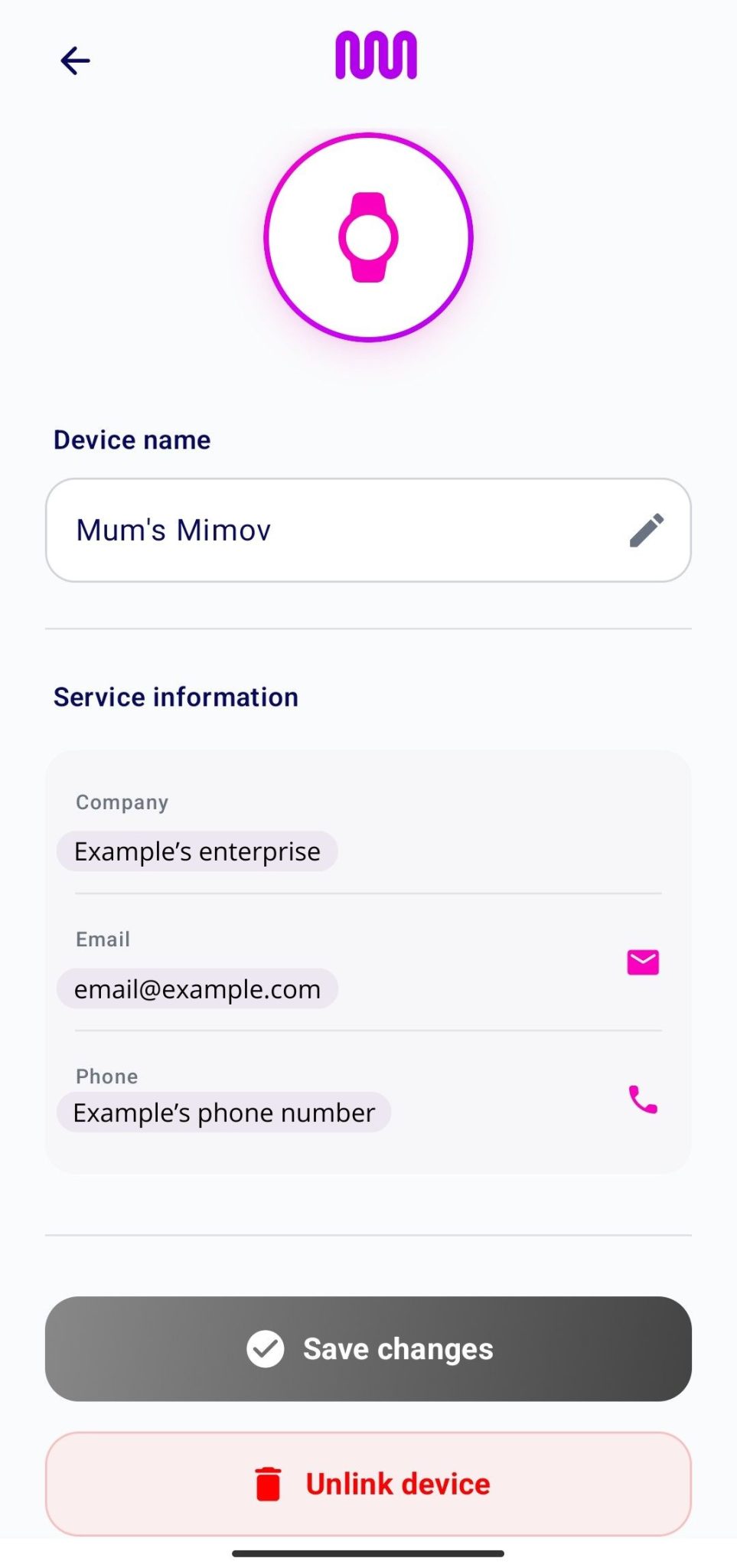
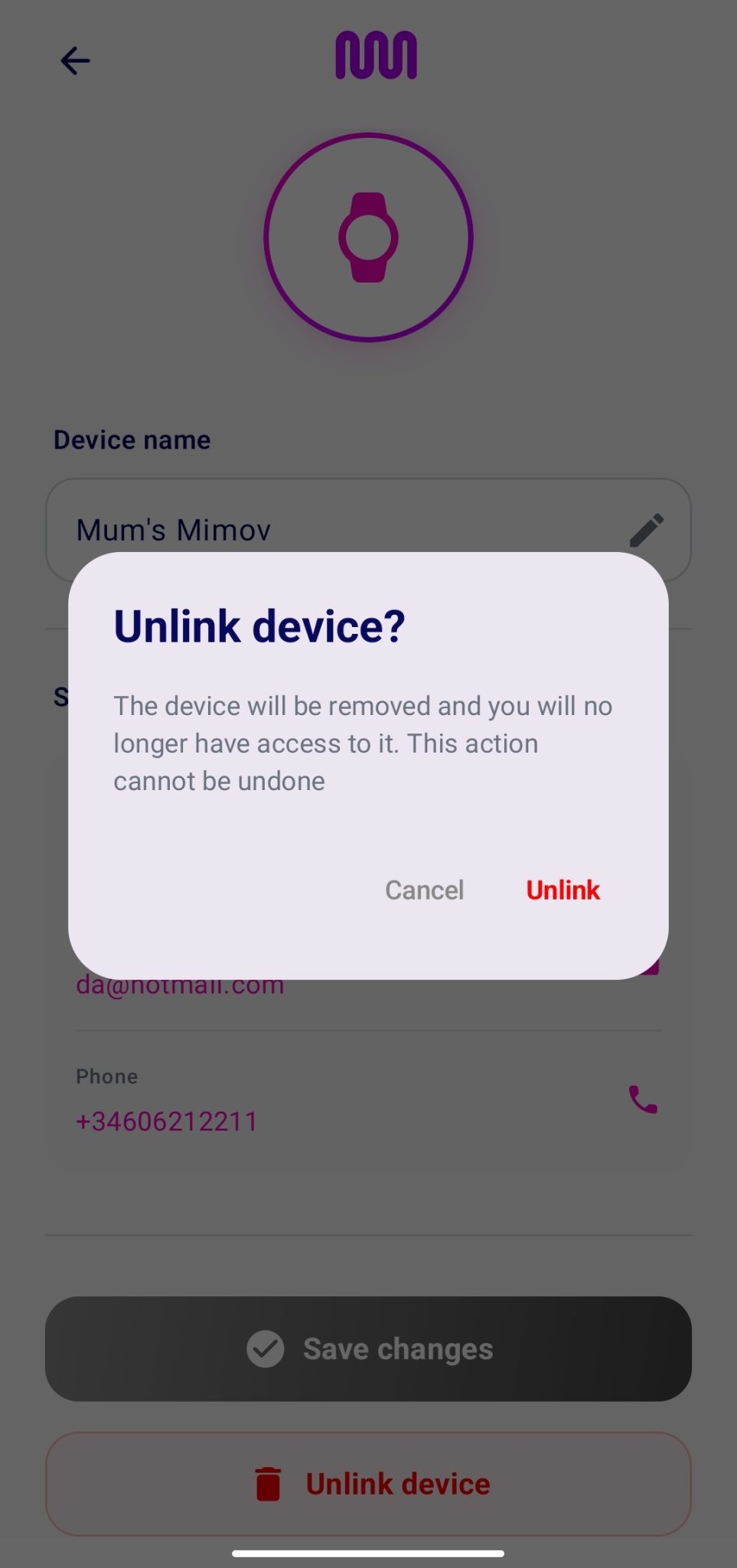
You can unpair a device from the device settings menu. Before the unpairing becomes permanent, you will be asked to confirm the operation. Once unpaired, if the user wishes to pair it again, they must start the full pairing process.
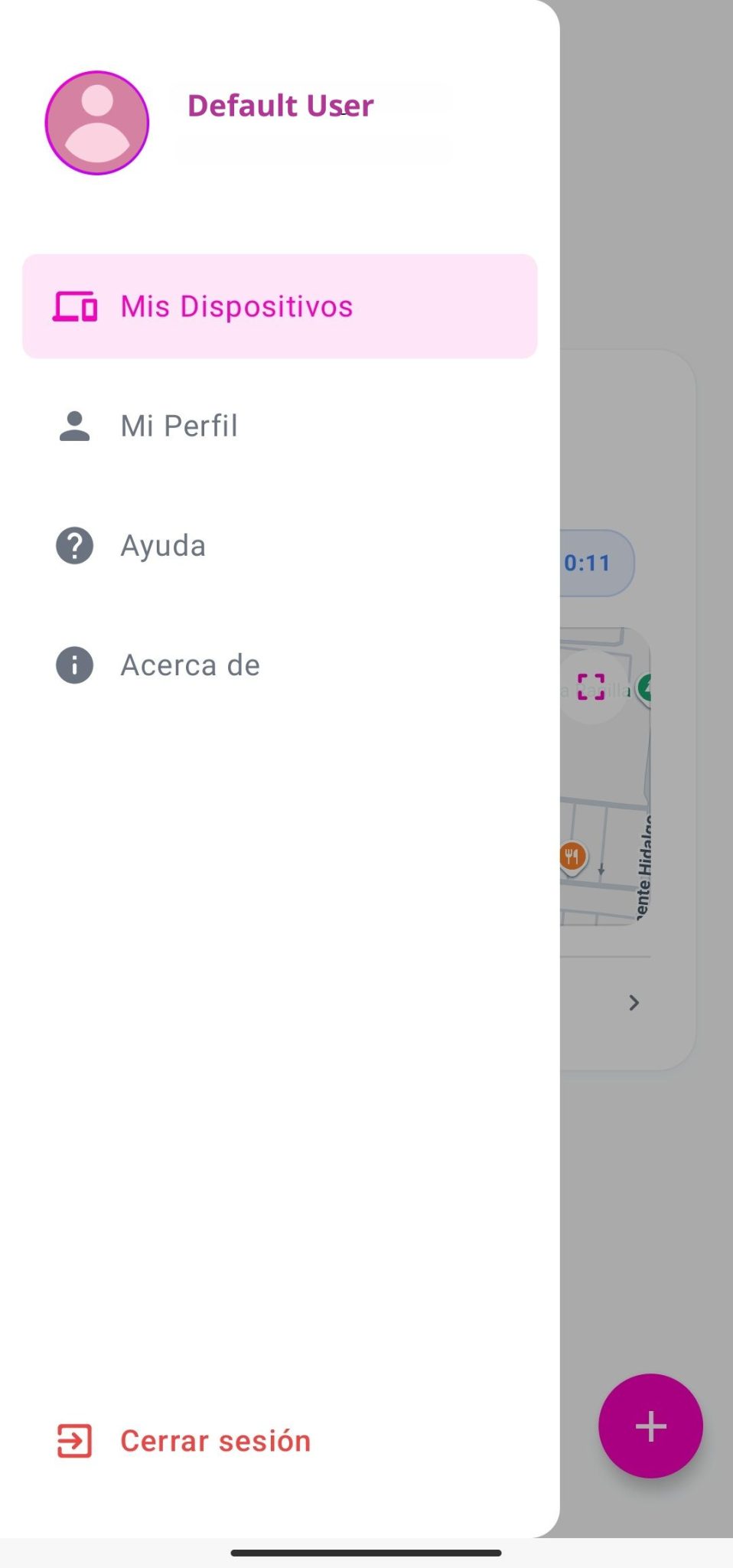
To open the side menu, tap the icon in the top-left corner (see arrow icon).
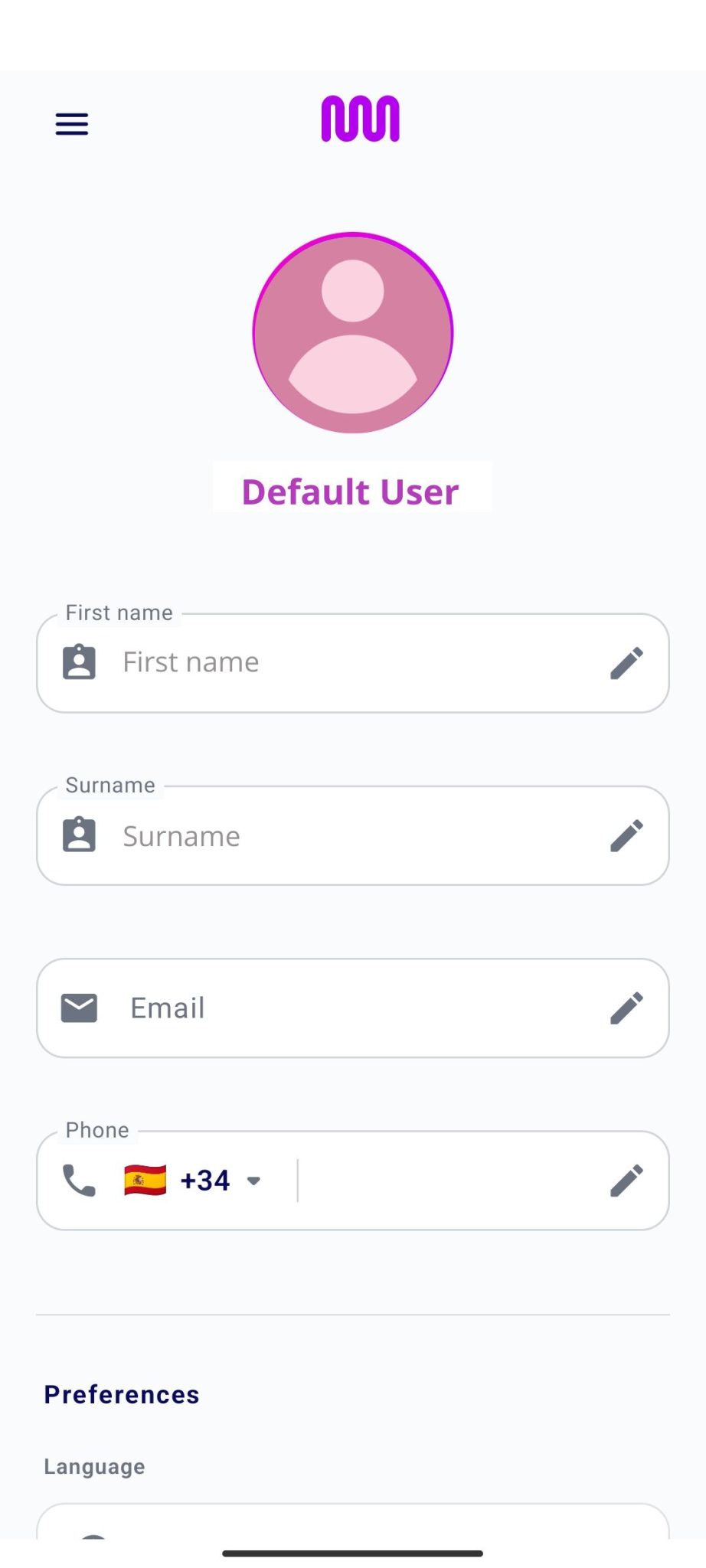
You can also see your profile picture, which will be the one linked to your Google or Apple account, and your username.
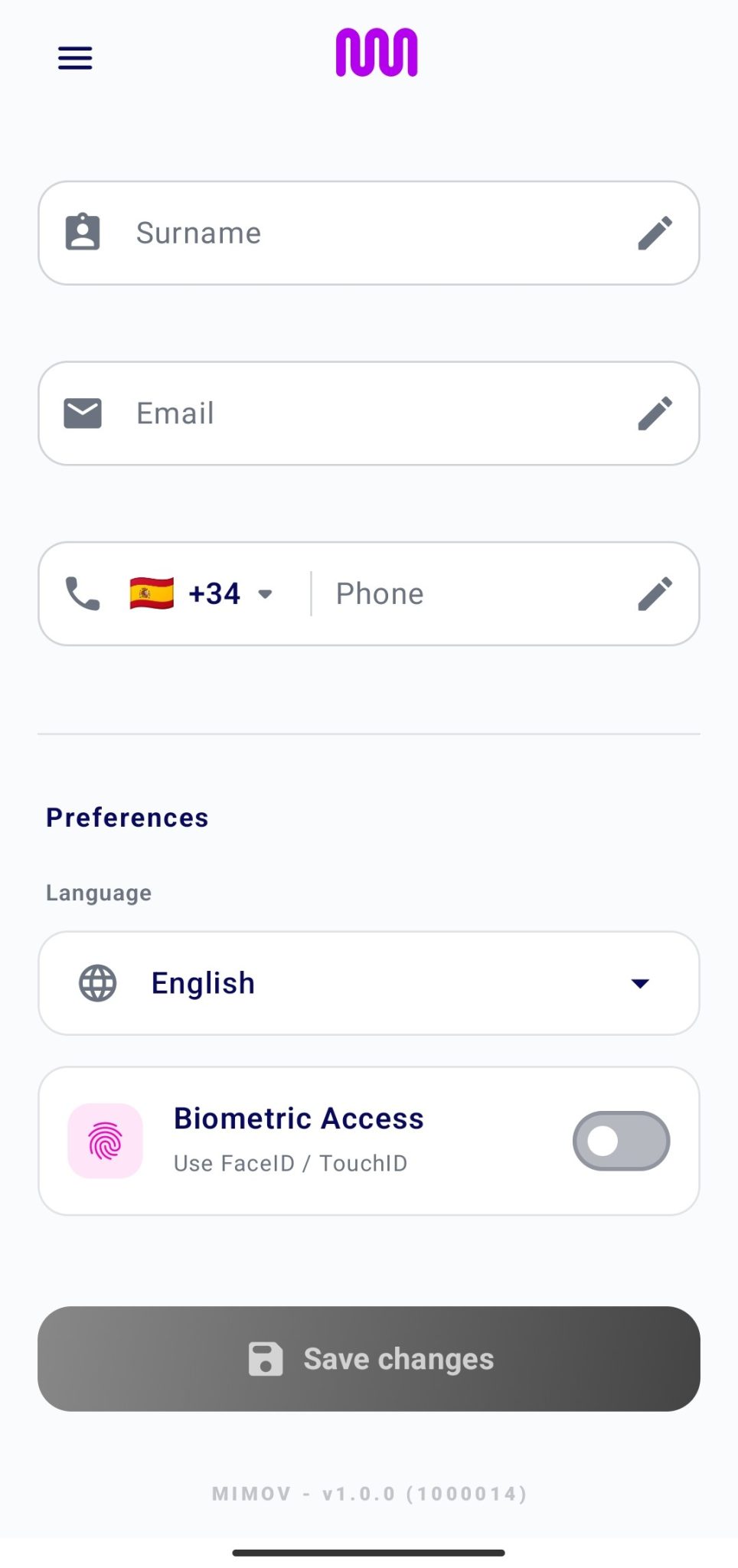
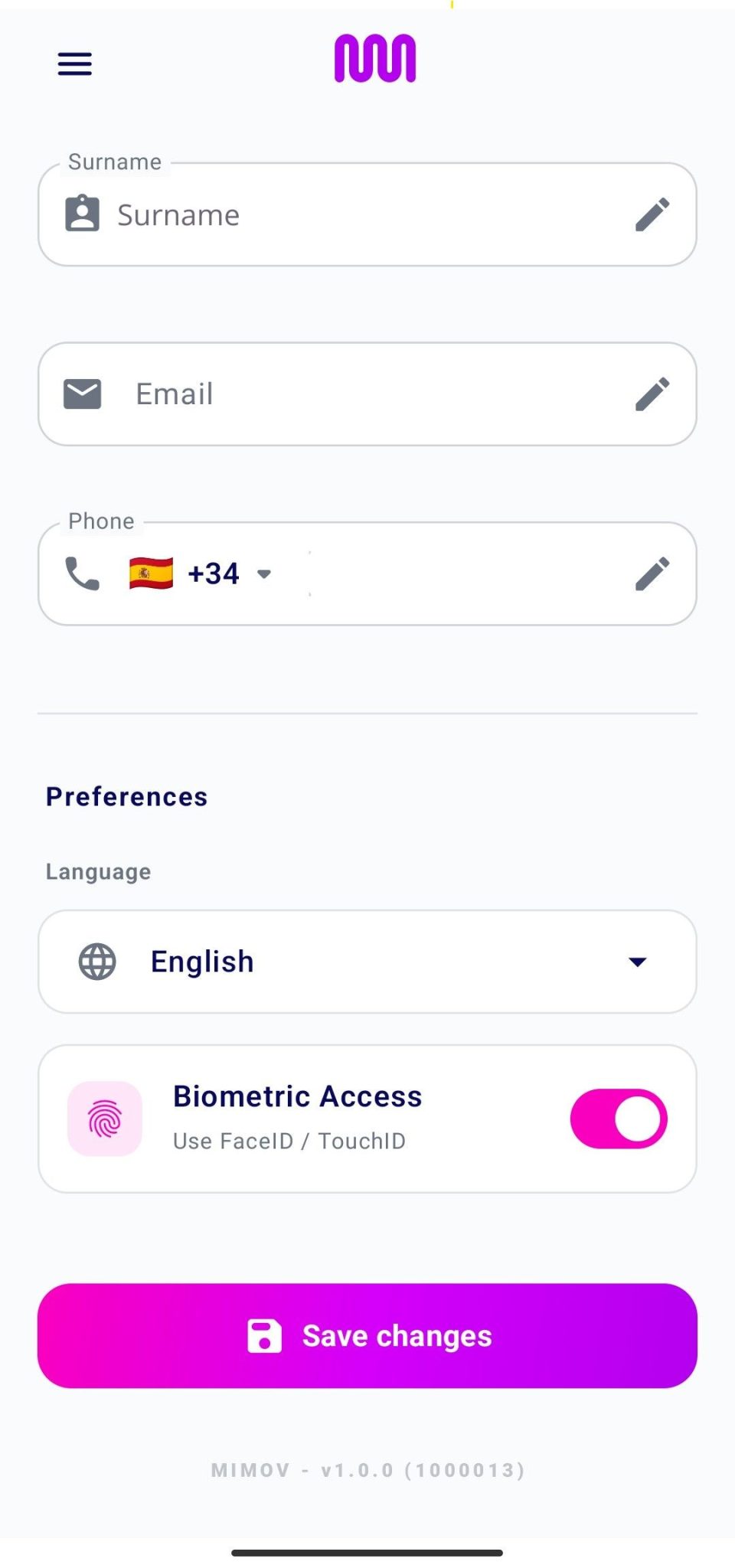
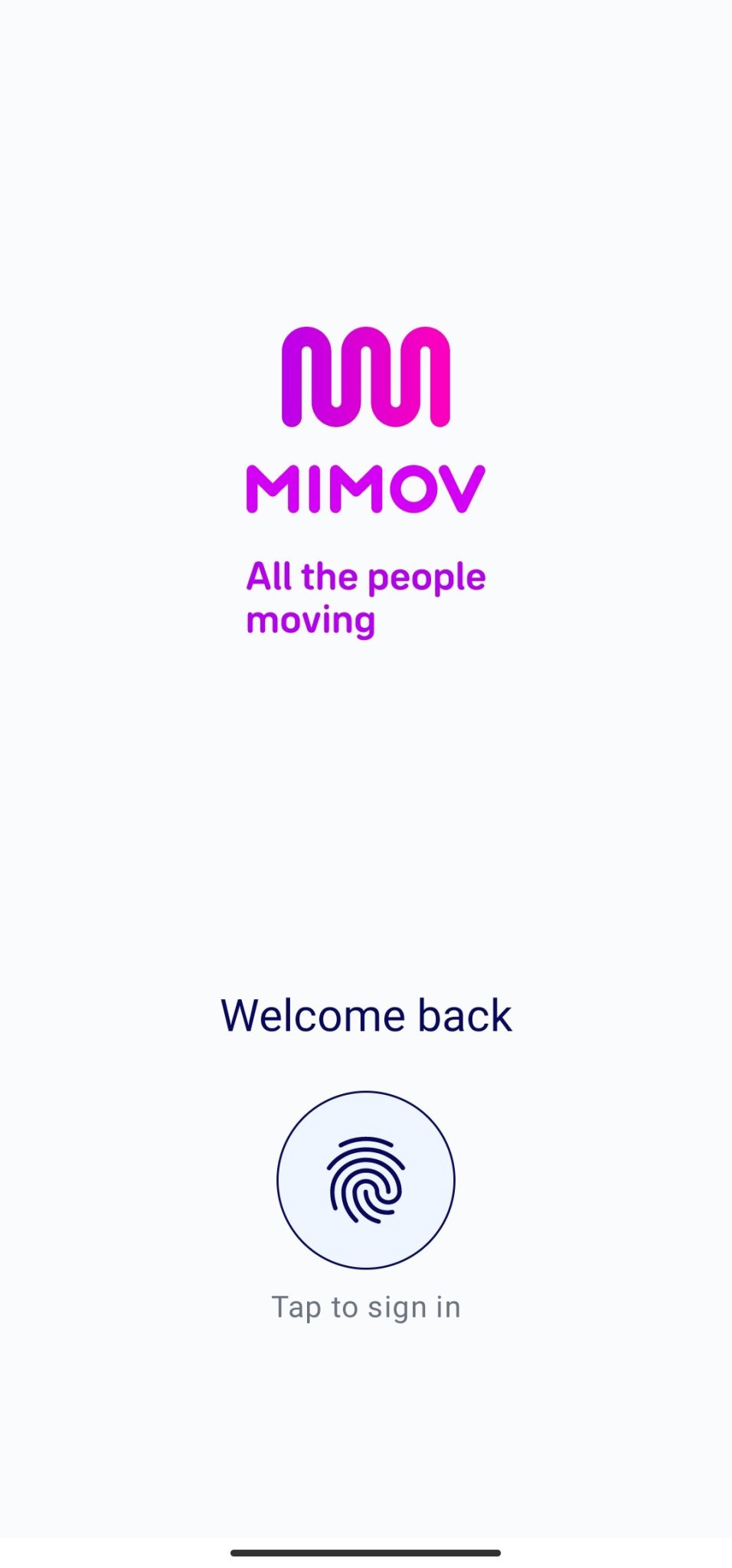
If we exit the app and reopen it after enabling biometric access, the following is displayed:
You can log out of the current session from the side menu.
When you tap “Log out”, the app will display a confirmation message.